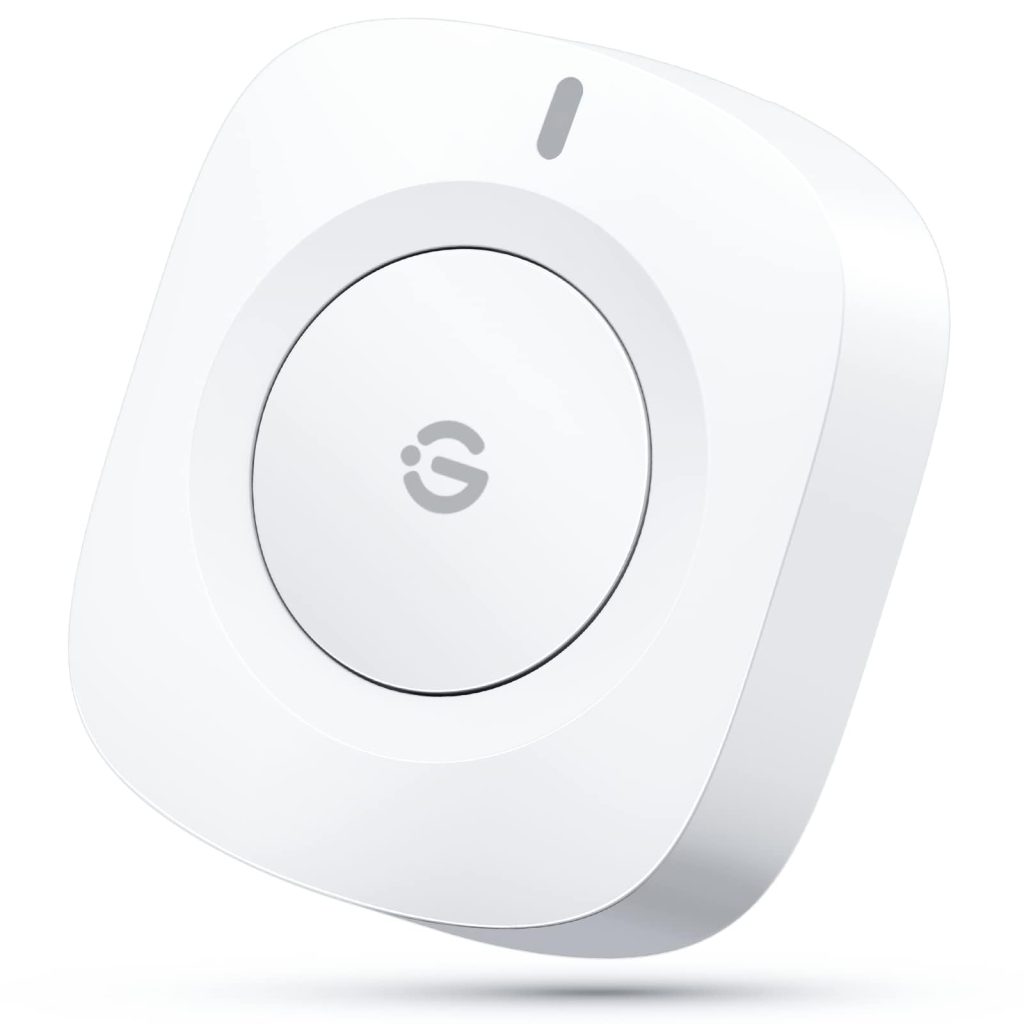
The GoveeLife Wireless Mini Smart Button Sensor is a small, battery-powered button that connects to your smart home ecosystem. It’s designed to trigger scenes, control groups of devices, or automate routines with a single press. Unlike many smart buttons that require a hub, this one uses Wi-Fi, so you don’t need extra hardware—just a 2.4GHz network. In practice, it’s a handy way to add physical control to an otherwise app-dependent setup.
In real-world use, the button shines for simple tasks: pressing it to turn off all lights when leaving home, dimming a group of bulbs for movie night, or triggering a morning routine that starts the coffee maker and turns on the kitchen lights. It’s also useful for less tech-savvy household members who prefer a physical button over voice commands or apps. The button can be mounted with the included adhesive or placed on a magnetic surface, making it versatile for walls, desks, or nightstands.
Functionally, the GoveeLife button supports single press, double press, and long press actions, each of which can be assigned to different scenes or device groups. It communicates via Wi-Fi (2.4GHz only) and is powered by a CR2032 coin battery, which Govee estimates lasts about a year with typical use. The button integrates with the Govee Home app, where you can set up automations and group multiple Govee devices—such as lights, plugs, or appliances—to respond to a single press. It also works with Alexa and Google Assistant for voice control, but the button itself is the primary interface.
One of the main limitations is its reliance on Wi-Fi and the Govee ecosystem. If your Wi-Fi goes down, the button won’t work, and it doesn’t support other smart home platforms like Apple HomeKit or SmartThings. Also, while it can control groups of Govee devices, it can’t directly control non-Govee devices unless you use workarounds like IFTTT or Alexa routines. The battery is not rechargeable, so you’ll need to replace it periodically. Additionally, the button’s response time can be slightly delayed (around 1-2 seconds) compared to Zigbee or Bluetooth buttons, which might be noticeable in fast-paced routines.
Compared to similar products like the Philips Hue Smart Button or the Aqara Mini Switch, the GoveeLife button is more affordable and doesn’t require a hub, but it lacks the broader compatibility and faster response of Zigbee-based alternatives. The Hue button, for instance, works with Hue lights and HomeKit, while the Aqara switch needs an Aqara hub but supports more platforms. If you’re already invested in Govee devices, this button is a natural fit; if you have a mixed smart home, it might feel limited.
Who is it for? It’s ideal for Govee users who want a simple, physical way to control multiple devices without pulling out their phone. It’s also good for renters or those who can’t install smart switches, as it’s non-invasive and easy to mount. However, it’s not for those who need multi-platform support, fast response times, or control over non-Govee devices without additional setup. If you’re looking for a cheap, no-hub button to trigger Govee scenes, this is a solid choice; if you need something more versatile, consider alternatives.
In summary, the GoveeLife Wireless Mini Smart Button Sensor is a practical addition to a Govee-centric smart home, offering convenient group control at a low cost. Just be aware of its ecosystem limitations and the need for a stable Wi-Fi connection.