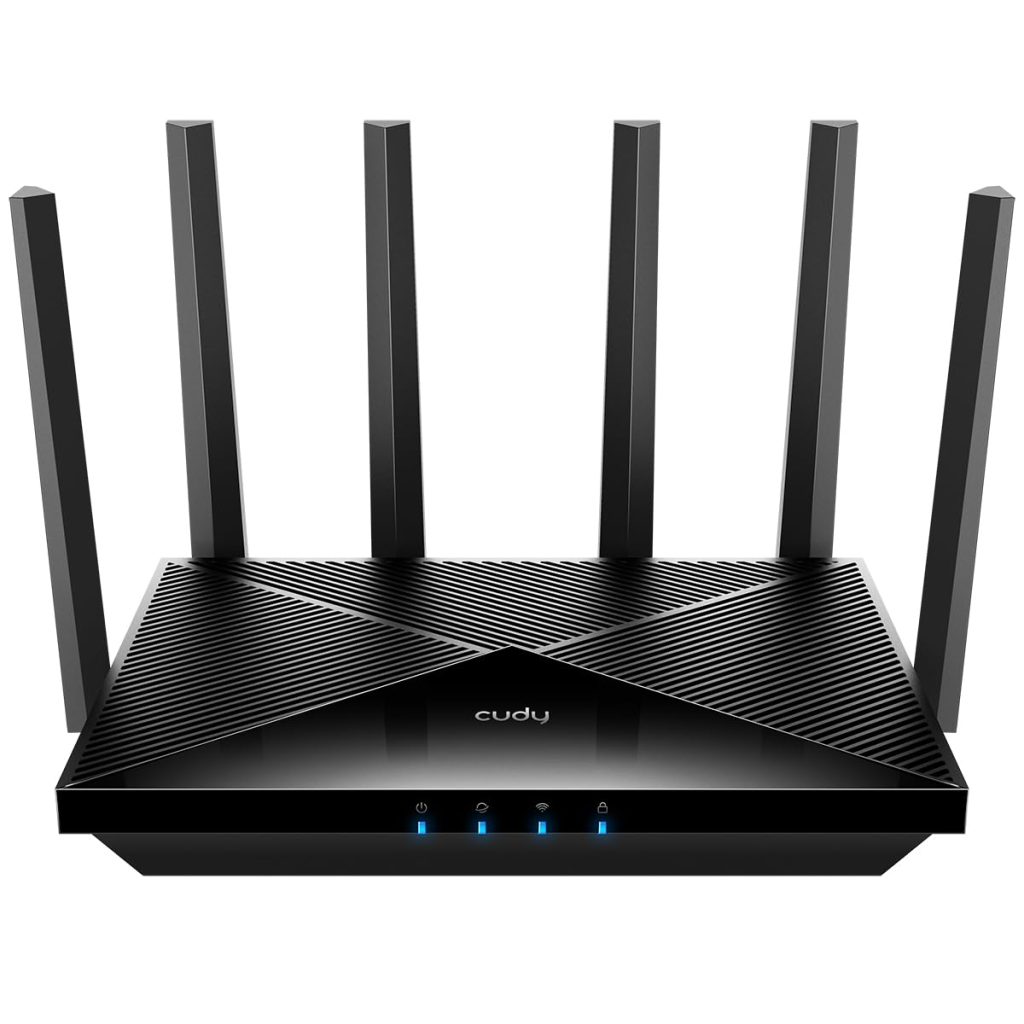
The Cudy BE11000 (model WR11000) sits in a crowded but still fairly young category: tri-band Wi-Fi 7 routers that promise multi-gigabit wired throughput without flagship pricing. On paper the spec sheet is unusually generous for the money—four 2.5G Ethernet ports, a tri-band radio design, and built-in VPN server and client support. Whether those numbers translate into a sensible purchase depends heavily on what kind of network you actually run.
In practice, this router is aimed at people whose internet connection or local network has outgrown gigabit Ethernet. If you have a 2.5G or multi-gig fiber plan, a NAS, or a desktop with a 2.5G NIC, the four 2.5G ports are the headline feature. One port typically serves as the WAN input and the rest act as LAN, which means you can wire a NAS, a gaming PC, and an access point or switch without bottlenecking everything through a single gigabit link. That flexibility is the main reason to consider this model over cheaper Wi-Fi 7 routers that pair fast wireless with only gigabit wired ports.
On the wireless side, the tri-band layout covers 2.4GHz, 5GHz, and 6GHz, with Wi-Fi 7 additions such as multi-link operation and wider channels where regulatory domains allow them. Realistic expectations matter here. Most households will not see dramatic gains over a good Wi-Fi 6 router unless their client devices also support Wi-Fi 7 and they are working at close to moderate range. The 6GHz band is fast and clean but drops off quickly through walls, so the practical benefit is strongest in open-plan spaces or when a client sits in the same room. The 2.4GHz band remains the reliable workhorse for IoT devices and distance, and it is not faster than before—just more stable in a well-configured network.
The VPN functionality is more useful than it first appears. A built-in VPN server lets you reach your home network remotely without running a separate appliance, which appeals to people with a NAS or home lab. The client mode lets the router route selected traffic through a commercial VPN provider. Both are configurable through the web interface, and neither requires deep networking knowledge, though the client implementation is basic compared to dedicated VPN routers—expect manual configuration and limited per-device policy controls rather than a polished dashboard.
- Ports: Four 2.5G Ethernet ports, configurable WAN/LAN
- Wireless: Tri-band Wi-Fi 7 (2.4/5/6GHz) with MLO support
- VPN: Built-in server and client modes
- Management: Web UI and mobile app
The trade-offs are worth being honest about. Cudy is not a premium networking brand, and the firmware reflects that. The interface is functional but plainer than what you get from Asus, Netgear, or TP-Link, and advanced features like detailed QoS rules, per-app prioritization, or robust parental controls are thinner. Firmware update cadence is also harder to predict than with major brands, which matters for anyone treating security patches as a priority. Build quality is acceptable but unremarkable—this is a plastic enclosure with external antennas, not a premium metal chassis.
Compared with a mesh system, this is a single-unit router. That makes it a good fit for a apartment or a house where one central location can cover the space, but a poor choice for a large multi-floor home with thick walls. In those cases, a two- or three-node mesh, even a Wi-Fi 6 one, will usually deliver more consistent coverage than a single fast router. Compared with a flagship Wi-Fi 7 router from a top-tier brand, you give up some peak throughput, refined firmware, and long-term support in exchange for the four 2.5G ports and a lower price.
This router suits tinkerers and small-office users who want multi-gig wired networking, a NAS, and basic VPN access without paying flagship prices. It is less suitable for people who want set-and-forget simplicity, extensive parental controls, or guaranteed long-term firmware support, and it is a poor match for very large homes that need mesh coverage. Buy it for the ports and the value, not for the brand or the software polish.