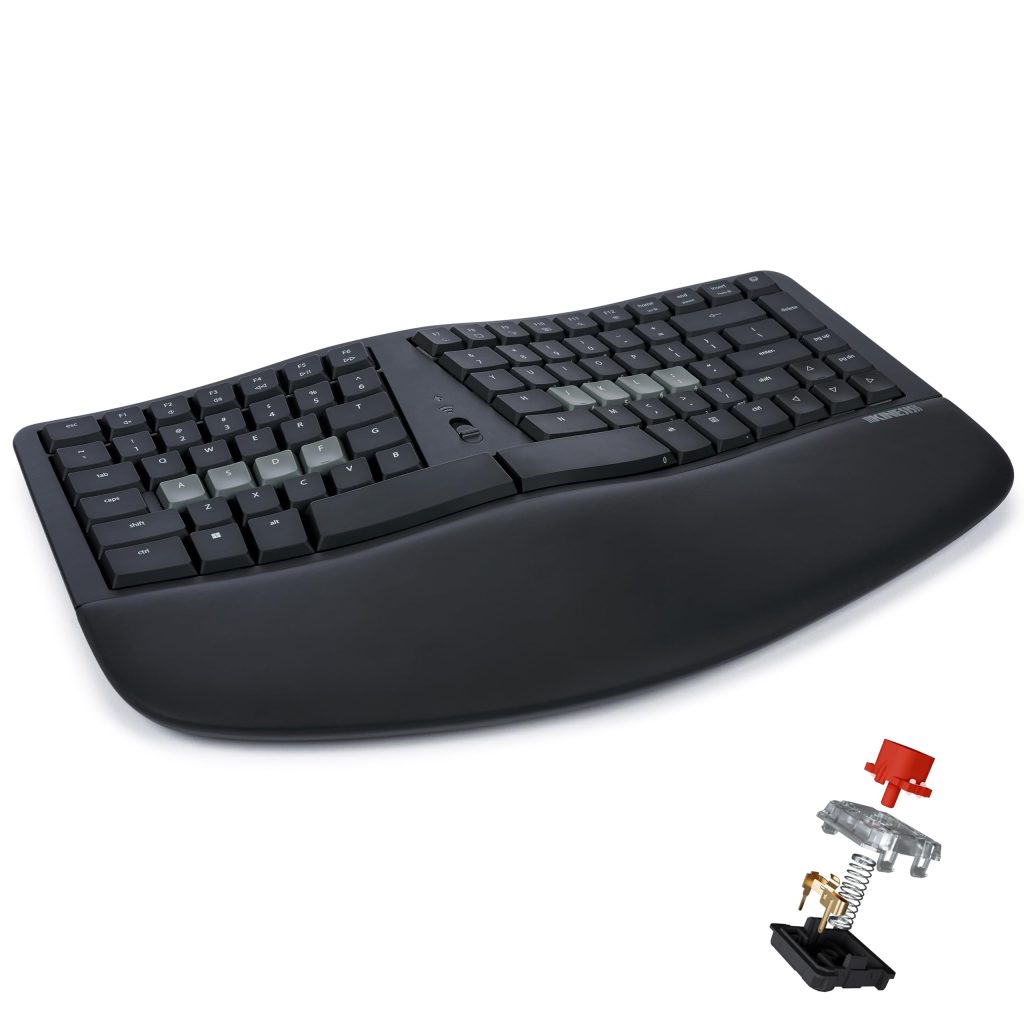
The Kinesis mWave is an ergonomic keyboard aimed at PC users who want a more comfortable typing experience without the noise of traditional mechanical switches. It combines a split layout with quiet mechanical switches, Bluetooth and USB connectivity, programmability, and backlighting. Priced in the mid-to-high range, it competes with other ergonomic keyboards but stands out for its quiet operation and Windows-specific features.
In practice, the mWave is used by people who type for long hours—programmers, writers, customer support agents—and want to reduce wrist strain. The split design angles the hands naturally, and the quiet switches make it suitable for shared offices or home environments where noise is a concern. The keyboard also includes Windows modifier keys and hotkeys, so it integrates smoothly with Windows systems.
Key functional features include:
- Split ergonomic layout: The keyboard is divided into two halves that can be adjusted to different angles, helping to keep wrists in a more neutral position.
- Quiet mechanical switches: These provide tactile feedback with reduced noise compared to standard mechanical switches, though they are not completely silent.
- Dual connectivity: It can connect via Bluetooth (for wireless use) or USB cable (for wired operation), offering flexibility.
- Programmability: Keys can be remapped and macros assigned using Kinesis software, allowing customization for specific workflows.
- Backlighting: The keys are backlit, which helps in low-light conditions.
- Windows modifiers and hotkeys: Dedicated Windows keys and shortcuts are included for PC users.
One limitation is the learning curve. The split layout is different from a standard keyboard, and it can take weeks to adjust. Users who frequently switch between different keyboards may find it frustrating. Also, the mWave is specifically designed for Windows; Mac users would need to remap keys or look for a different model. The quiet switches reduce noise but are not silent—they still produce some sound, so in very quiet settings, they might be noticeable.
Compared to traditional ergonomic keyboards like the Microsoft Sculpt Ergonomic, the mWave offers mechanical switches and programmability, which the Sculpt lacks. However, the Sculpt is generally less expensive and includes a separate numeric keypad. The mWave’s build quality is solid, but it is heavier and less portable than some membrane ergonomic keyboards. For those who prefer a standard layout, a regular mechanical keyboard might be more familiar, but it won’t provide the same ergonomic benefits.
Who is it for? The mWave is suitable for PC users who spend many hours typing and are willing to invest in an ergonomic setup. It’s ideal for those who want mechanical feedback without excessive noise. It’s not for users who need a portable keyboard, those on a tight budget, or Mac users who don’t want to customize key mappings. Also, if you’re not experiencing any discomfort with a standard keyboard, the adjustment period may not be worth it.
In use, the mWave performs well for typing and programming. The switches have a satisfying tactile bump, and the backlighting is even. Battery life via Bluetooth is decent, though heavy backlight use will drain it faster. The programmability is a strong point, but the software is Windows-only and can be finicky. The keyboard feels sturdy and doesn’t slide around, thanks to rubber feet.
Overall, the Kinesis mWave is a niche product that addresses specific needs: ergonomic comfort, quiet mechanical typing, and Windows compatibility. It’s not without drawbacks, but for the right user, it can be a worthwhile investment. As with any ergonomic keyboard, try to test it before buying if possible, as comfort is highly personal.